Carousel
Slides that move only when asked (WAI-ARIA carousel)
Carousel
Previous, next and a dot for each slide. Nothing turns by itself, so no one has to chase it.
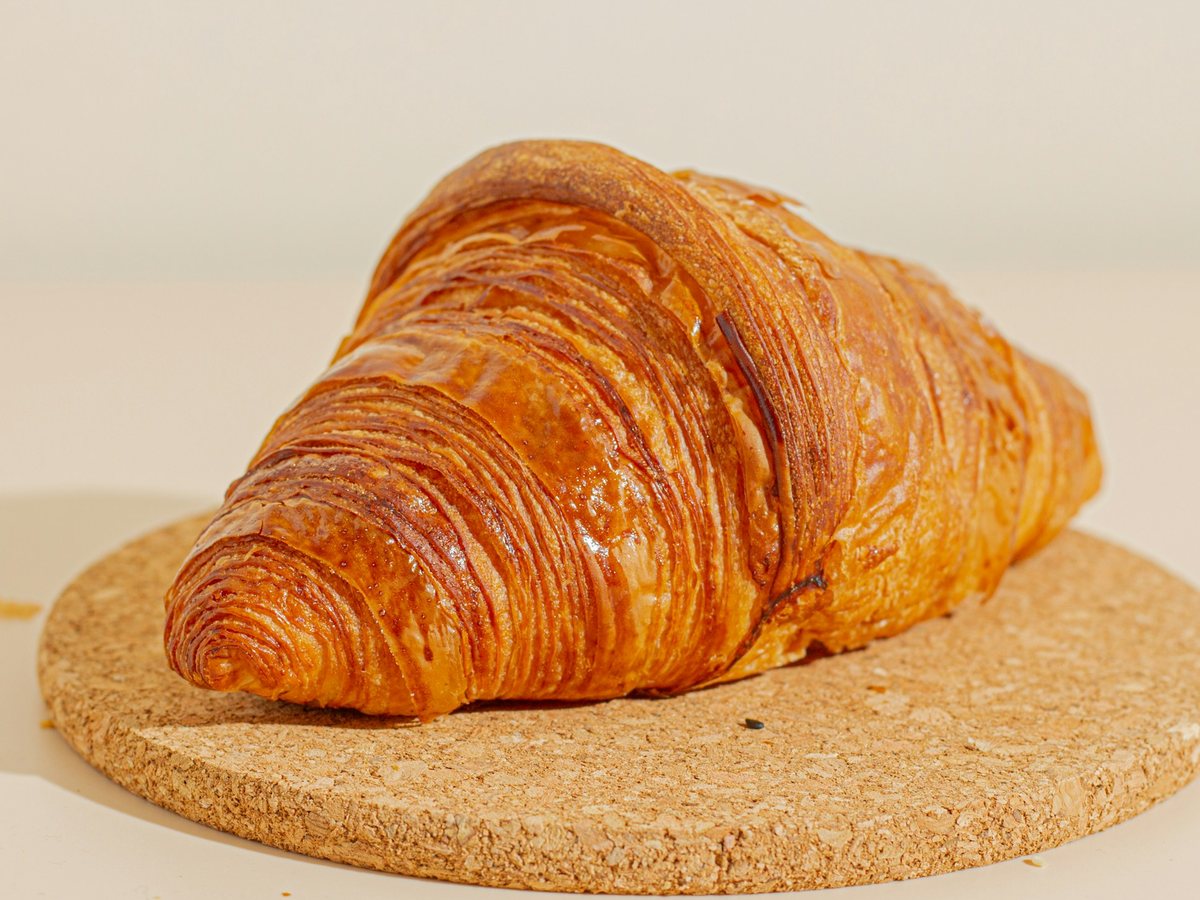
Baked at 6 every morning at Old Town.
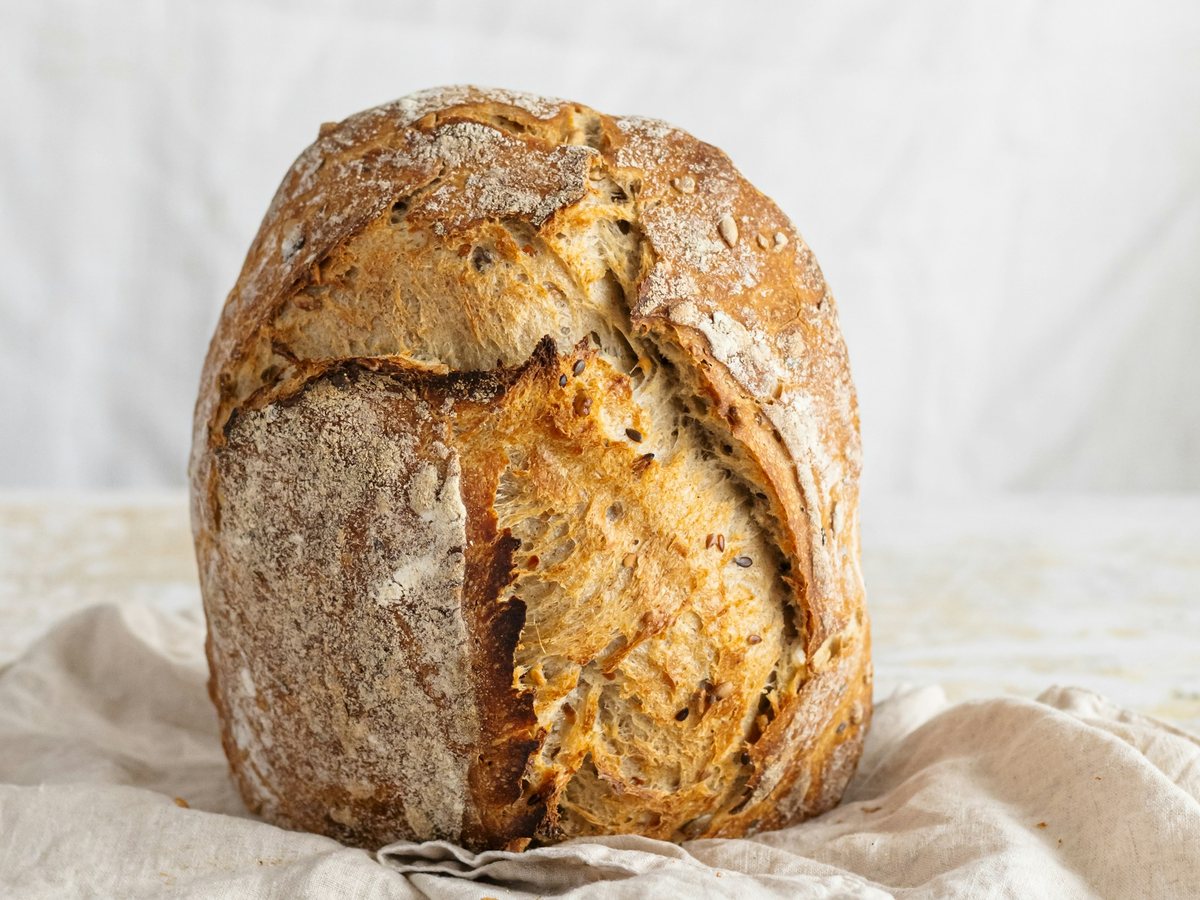
Three days from flour to loaf.
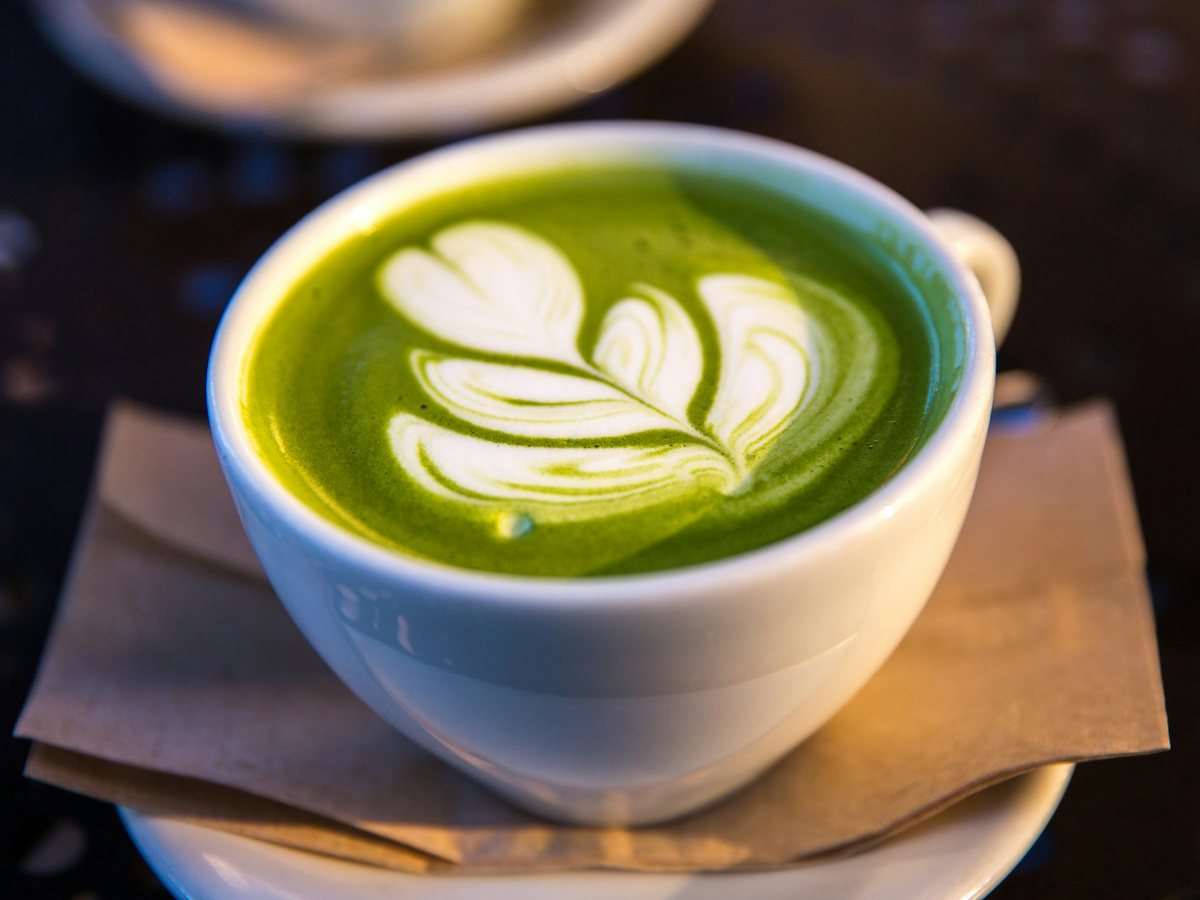
Whisked by hand, with any milk.
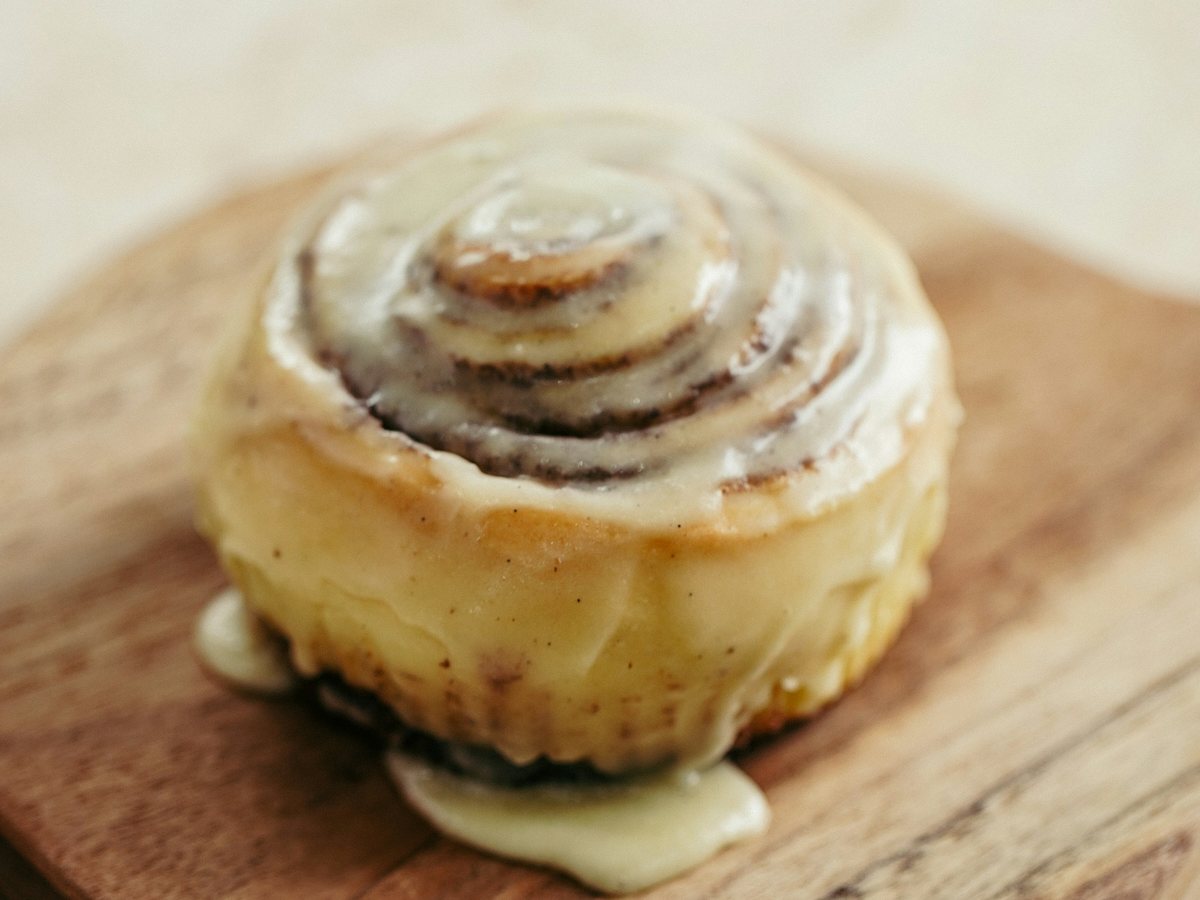
Saturdays and Sundays only.
Show the code
<section class="carousel w-100" data-carousel aria-roledescription="carousel" aria-label="This week’s bakes">
<div class="carousel-slides">
<figure data-slide role="group" aria-roledescription="slide" aria-label="1 of 4">
<img src="assets/demo/products/butter-croissant.jpg" alt="Butter croissant" width="1200" height="900">
<figcaption>
<b>Butter croissant</b>
<p class="muted fs-sm">Baked at 6 every morning at Old Town.</p>
</figcaption>
</figure>
<figure data-slide role="group" aria-roledescription="slide" aria-label="2 of 4" hidden>
<img src="assets/demo/products/sourdough-loaf.jpg" alt="Sourdough loaf" width="1200" height="900">
<figcaption>
<b>Sourdough loaf</b>
<p class="muted fs-sm">Three days from flour to loaf.</p>
</figcaption>
</figure>
<figure data-slide role="group" aria-roledescription="slide" aria-label="3 of 4" hidden>
<img src="assets/demo/products/matcha-latte.jpg" alt="Matcha latte" width="1200" height="900">
<figcaption>
<b>Matcha latte</b>
<p class="muted fs-sm">Whisked by hand, with any milk.</p>
</figcaption>
</figure>
<figure data-slide role="group" aria-roledescription="slide" aria-label="4 of 4" hidden>
<img src="assets/demo/products/cinnamon-roll.jpg" alt="Cinnamon roll" width="1200" height="900">
<figcaption>
<b>Cinnamon roll</b>
<p class="muted fs-sm">Saturdays and Sundays only.</p>
</figcaption>
</figure>
</div>
<div class="carousel-controls">
<button type="button" class="btn btn-icon" aria-label="Previous slide" data-tip="Previous slide" data-carousel-prev="">
<i class="ti ti-chevron-left">
</i>
</button>
<div class="carousel-dots" role="group" aria-label="Choose a slide">
<button type="button" data-carousel-dot aria-label="Slide 1: Butter croissant" aria-current="true">
</button>
<button type="button" data-carousel-dot aria-label="Slide 2: Sourdough loaf">
</button>
<button type="button" data-carousel-dot aria-label="Slide 3: Matcha latte">
</button>
<button type="button" data-carousel-dot aria-label="Slide 4: Cinnamon roll">
</button>
</div>
<button type="button" class="btn btn-icon" aria-label="Next slide" data-tip="Next slide" data-carousel-next="">
<i class="ti ti-chevron-right">
</i>
</button>
</div>
<p class="sr-only" aria-live="polite" data-carousel-status>
</p>
</section>