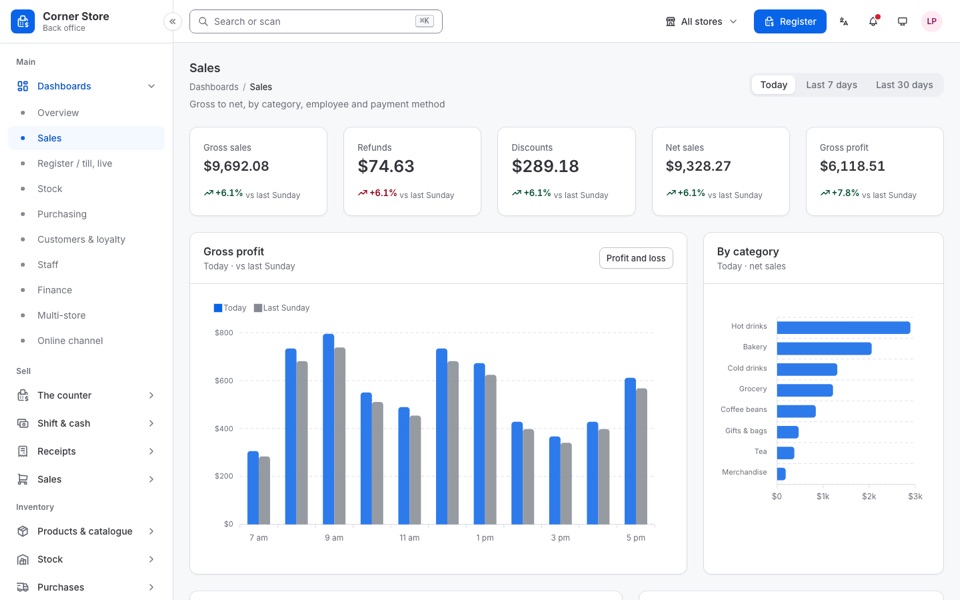
A register made for the counter
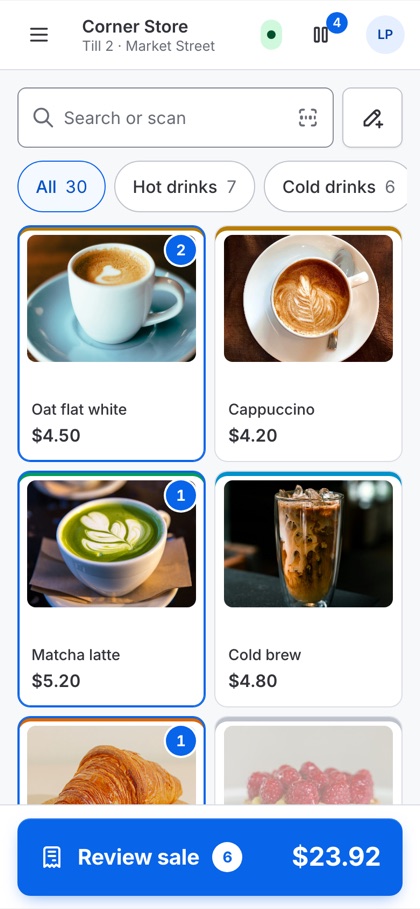
Large touch targets, a number pad, quick-cash keys, split payment, park and recall, refunds and exchanges.
HTML Template · Version 1.0.0
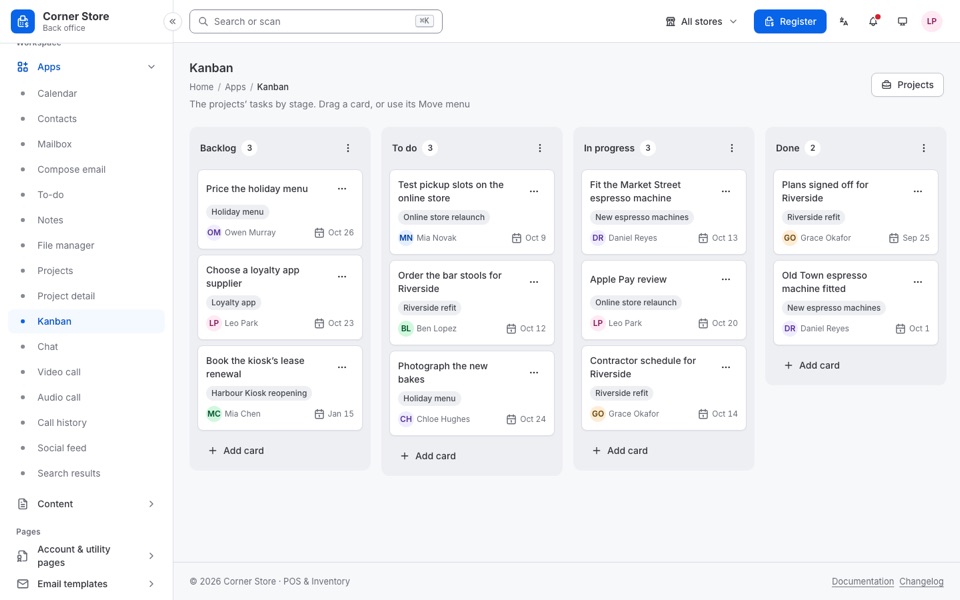
A touch-first register for the counter and the back office behind it: 449 pages in plain HTML, CSS and JavaScript, all on one design system.
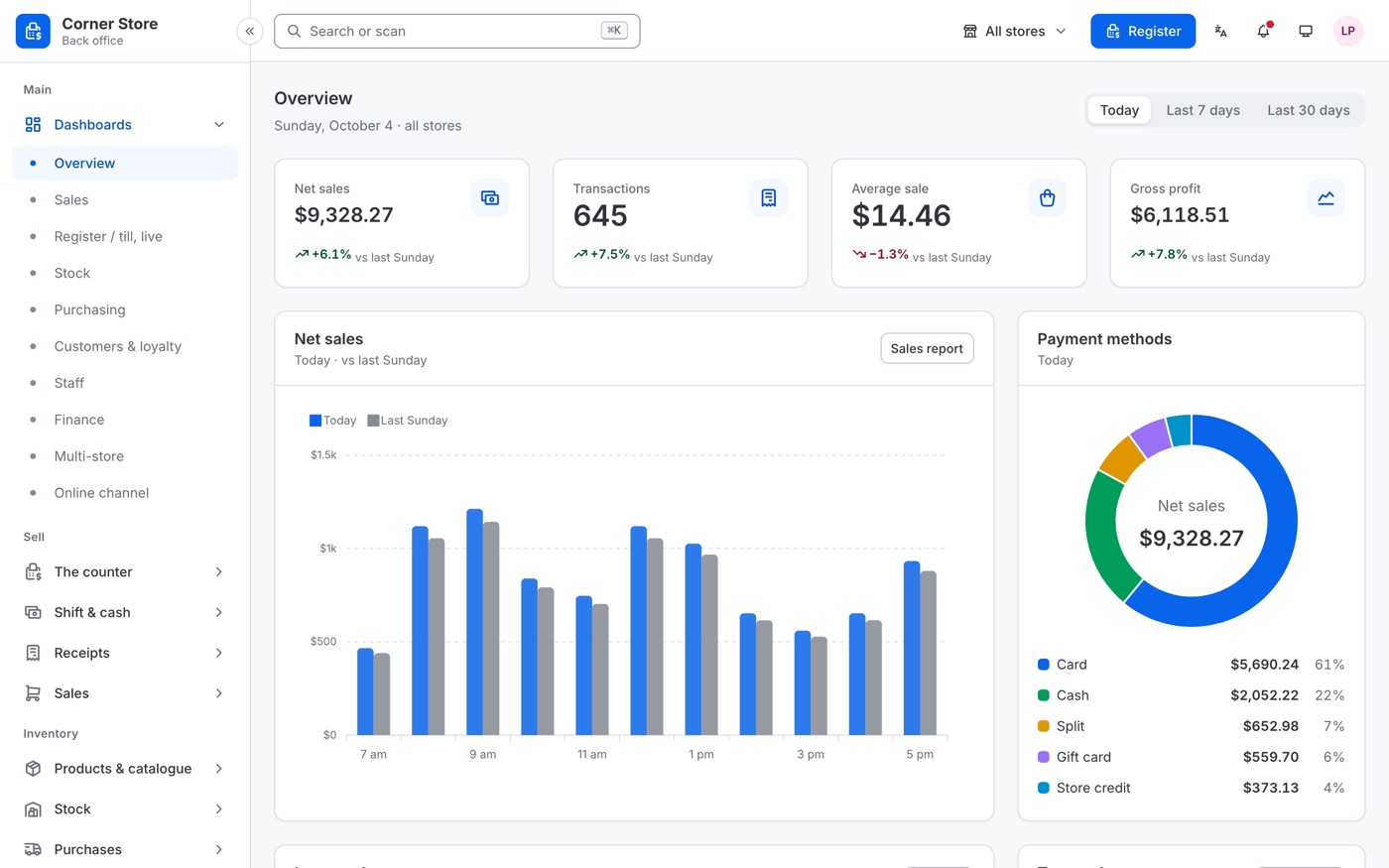
No framework and nothing to build before you use it: open index.html in a browser, or put the folder on any web server. One design system and one script run every page.
Start from the screens a shop already needs: designed, filled with realistic data and ready to connect to your own backend.
Large touch targets, a number pad, quick-cash keys, split payment, park and recall, refunds and exchanges.
Retail, quick service, restaurant tables, kitchen display, bar tabs, pharmacy, grocery, fashion, bookings and a self-checkout kiosk, on desktop, tablet and phone.
16 optional modules, from restaurant and loyalty to HR and multi-tenant SaaS, leave the menu, the screens and every link to them with one line each in config.js.
Every page checked at 13 screen sizes: keyboard, contrast, touch targets and the WCAG 2.2 A and AA rules.
449 pages in 32 groups. Each card opens its part of the demo.
The register, payments, refunds and exchanges, held tickets and the customer-facing screen.
Open and close a shift, a blind cash count, cash in and out, X and Z reports.
58 and 80 mm thermal, A4, gift and return slips, email and SMS, and a receipt designer.
Variants, modifiers, bundles, barcode and shelf labels; adjustments, transfers, stock takes, batches and serials.
Purchase orders, goods received, returns, landed cost and supplier payments.
Groups, points, rewards, loyalty cards, store credit, gift cards, coupons and campaigns.
Roster, time clock, attendance, leave, payroll, commission and permissions at the till.
Expenses, income, bank accounts, balance sheet and tax, and 27 reports from best sellers to stock valuation.
22 screens at the till, from a retail register to a kitchen display and a self-checkout kiosk. Each trade is a module: switch off the ones a store does not need.
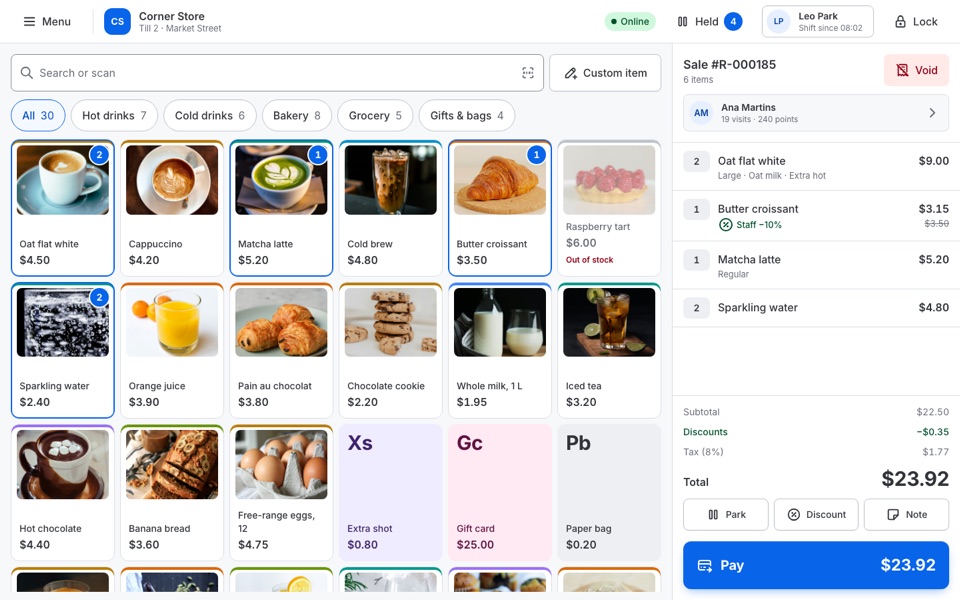 Retail register
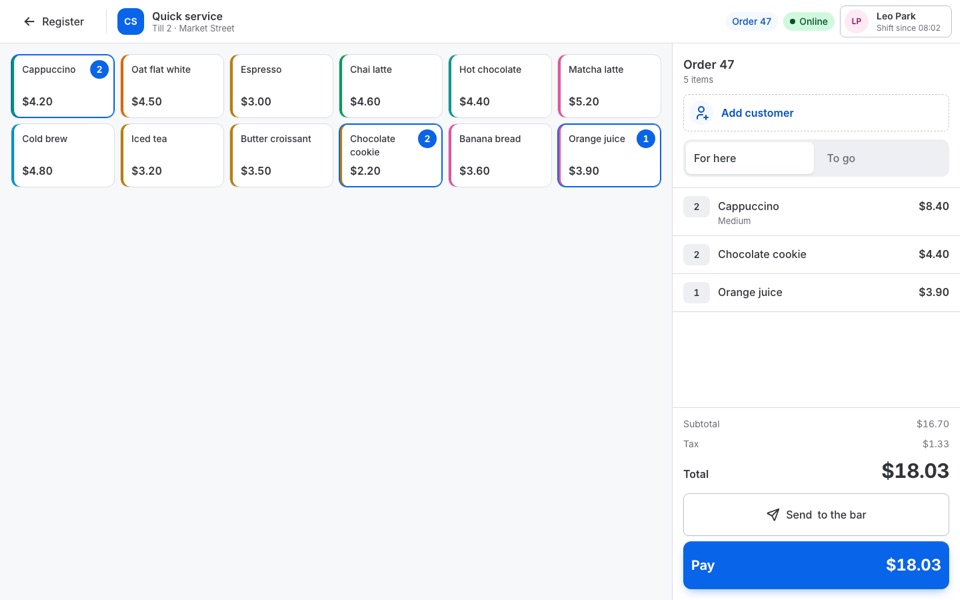 Quick service
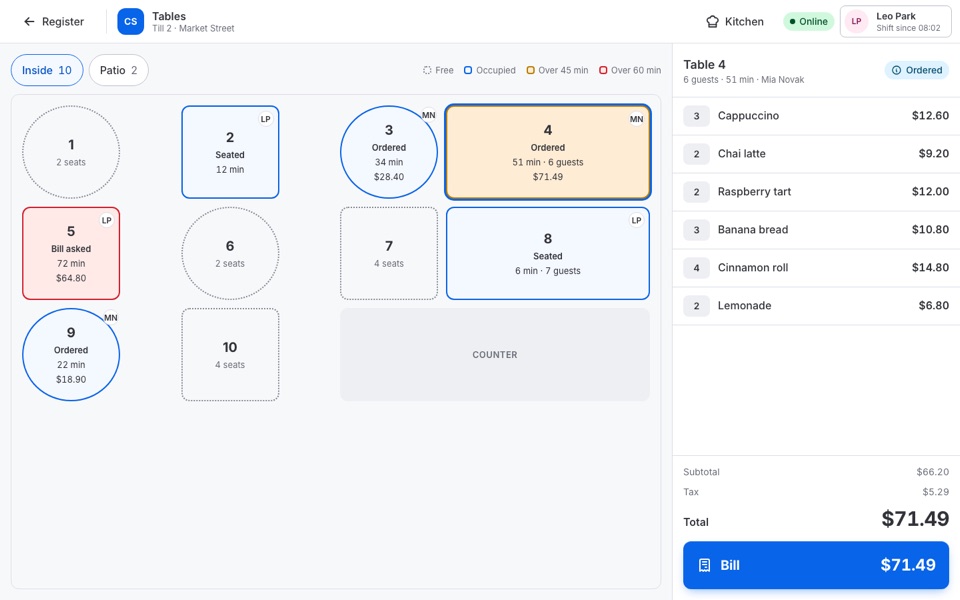 Restaurant tables Restaurant module
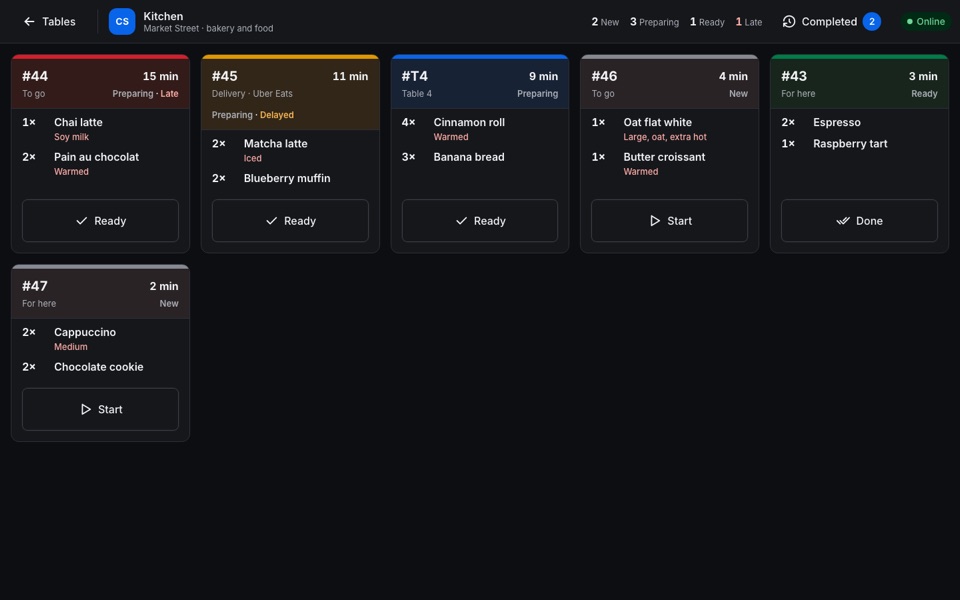 Kitchen display Restaurant module
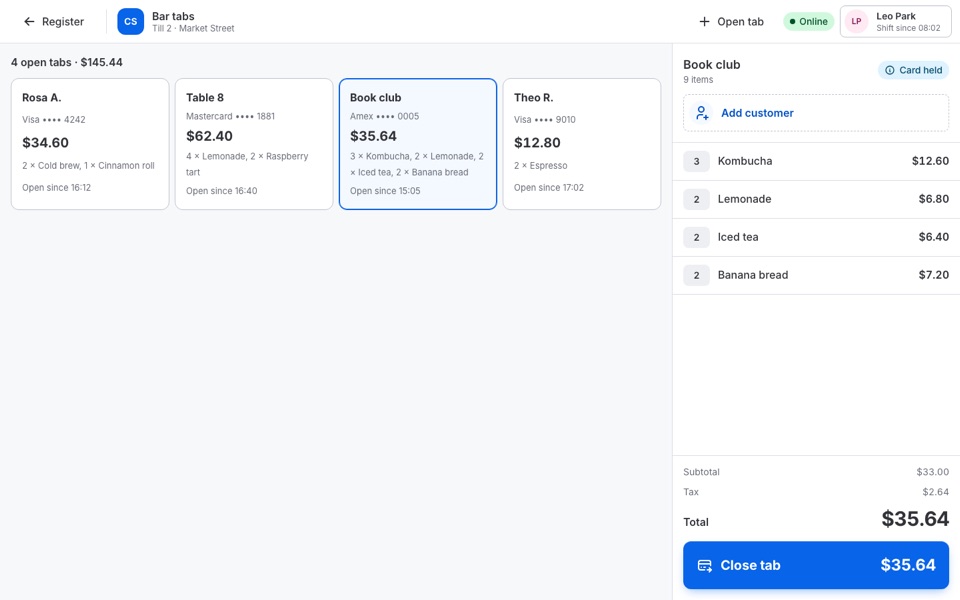 Bar tabs Restaurant module
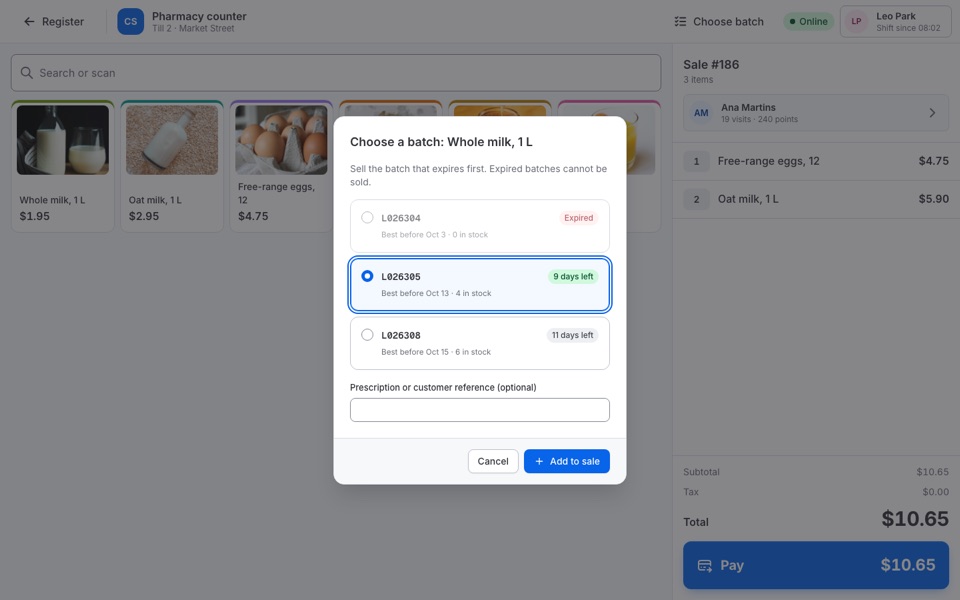 Pharmacy - batch & expiry Pharmacy module
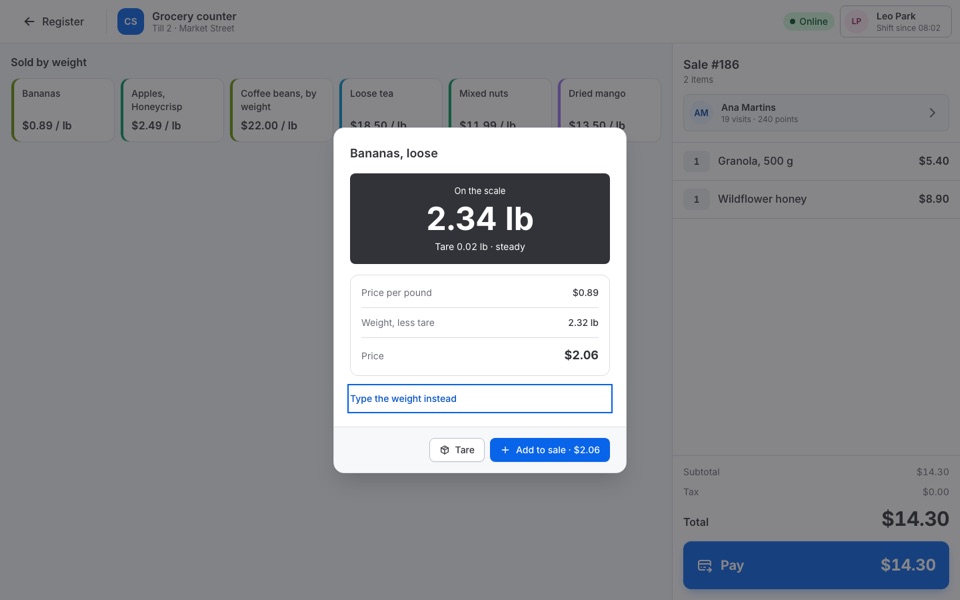 Grocery - weighing Grocery module
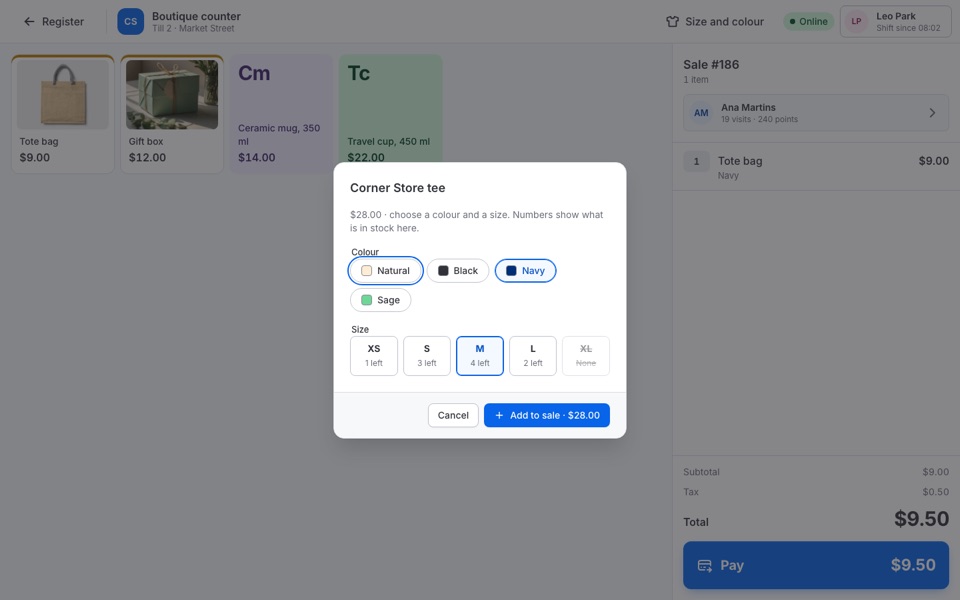 Fashion - size & colour Fashion module
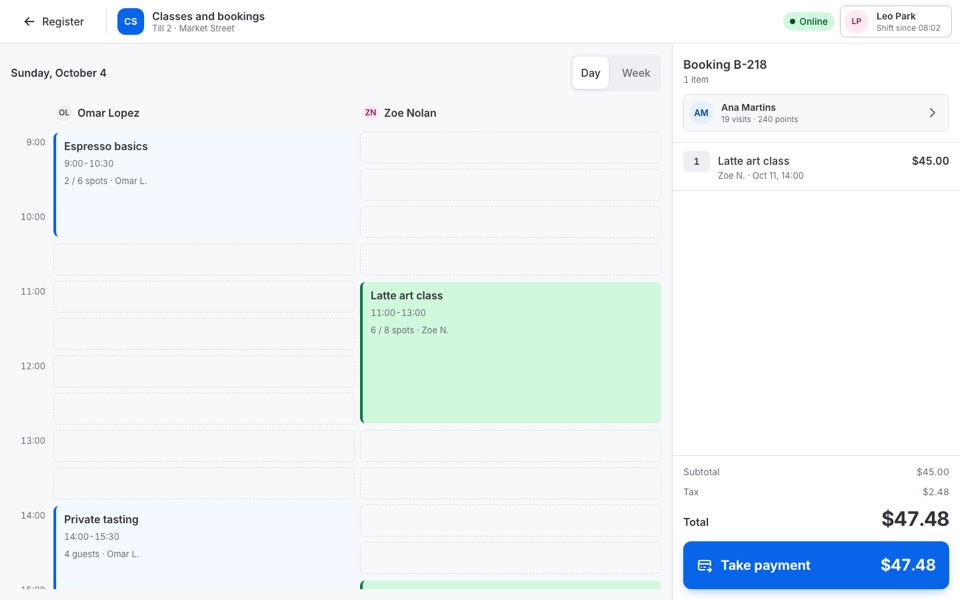 Service & booking Booking module
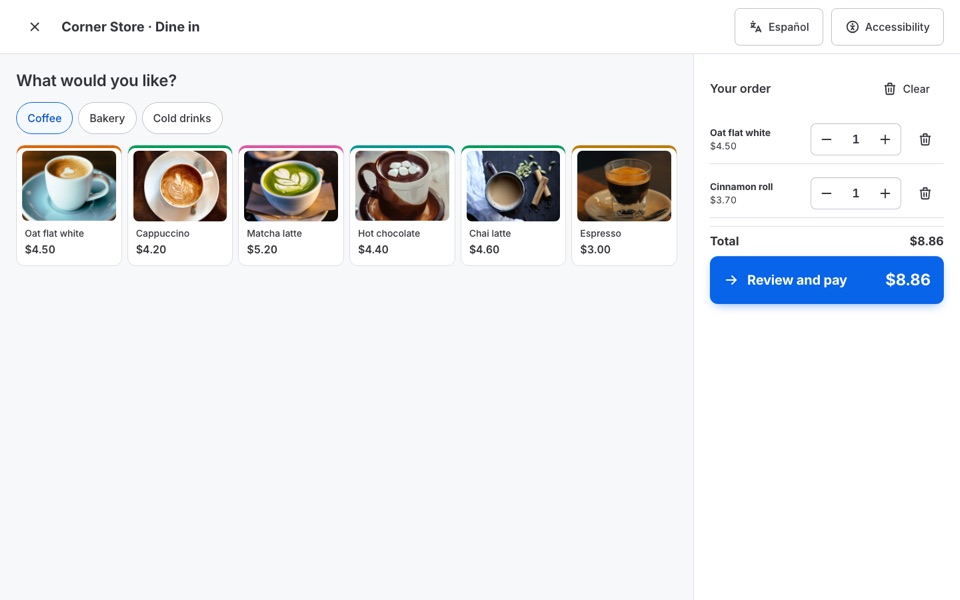 Self-checkout kiosk Kiosk module
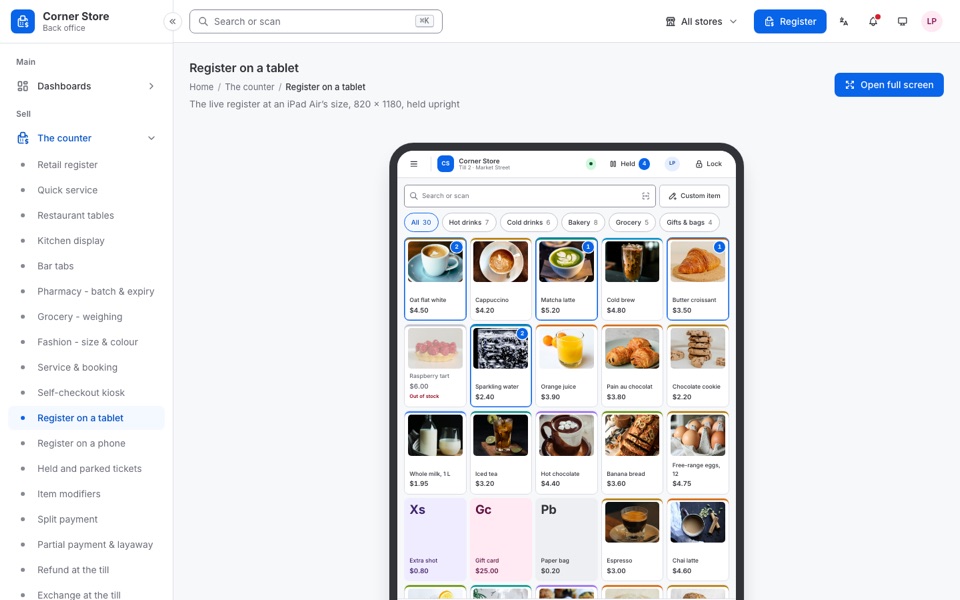 Register on a tablet
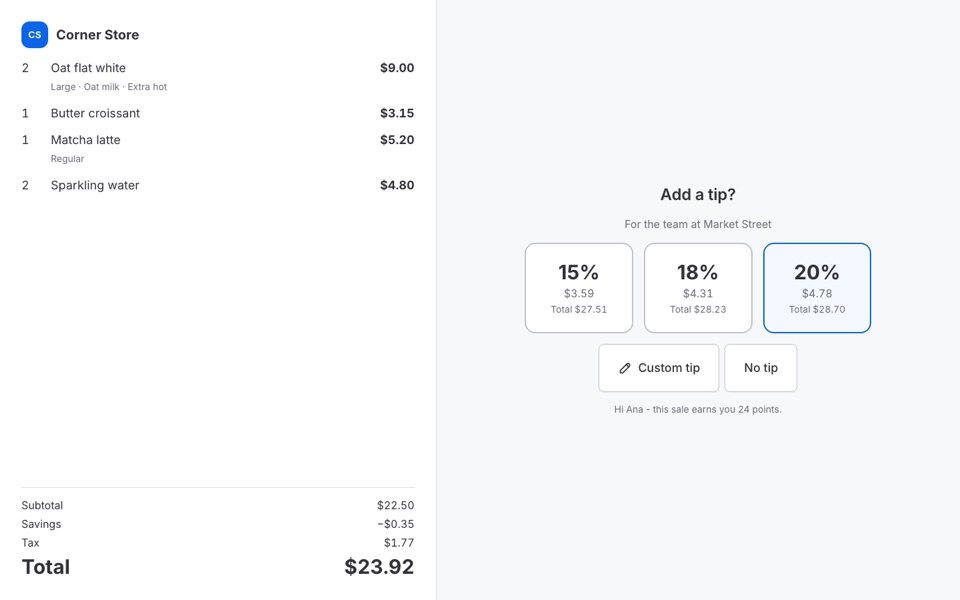 Customer-facing screen
6 pages for the company behind the platform: the stores it hosts, the plans they are on and what they pay. Turn the module off and they are gone.
Open companies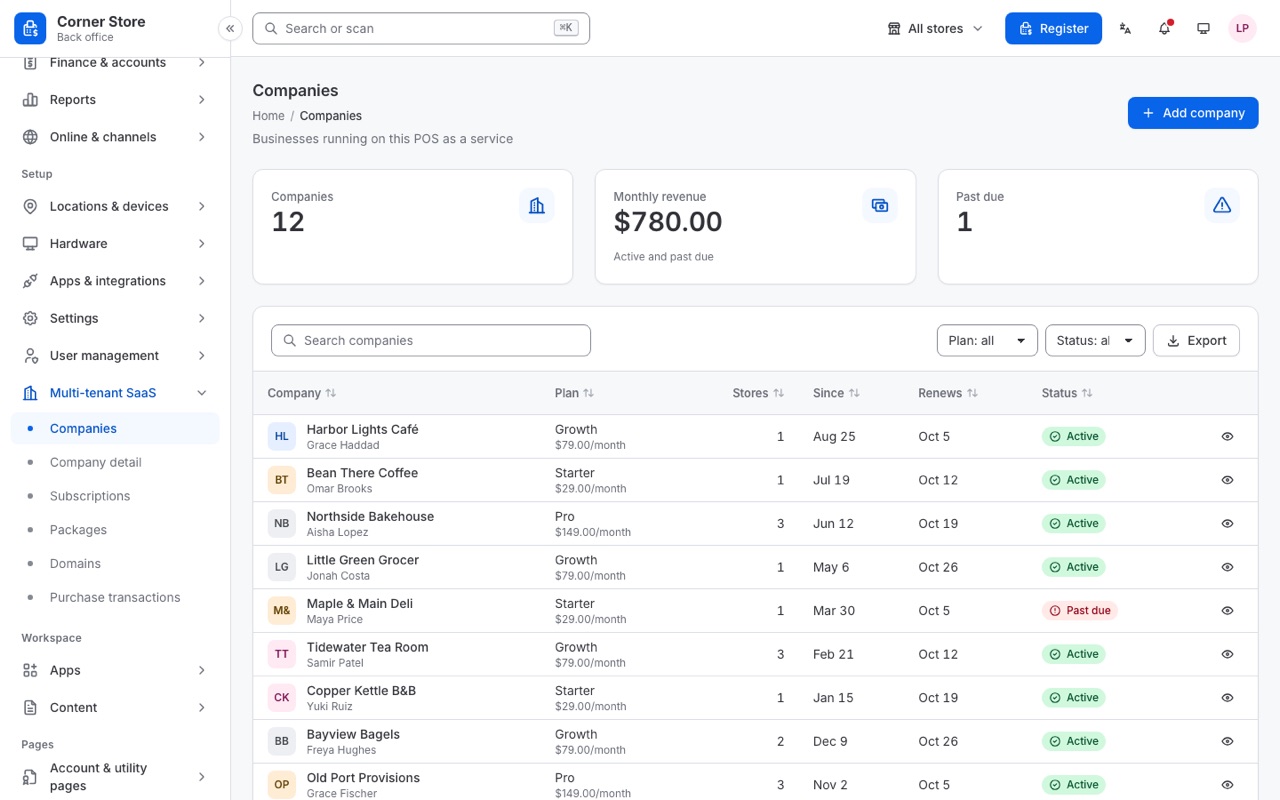
Vertical, horizontal, detached, two column, a hover-expand rail and boxed, then right to left and dark. Each is one attribute on the frame, in light and in dark.
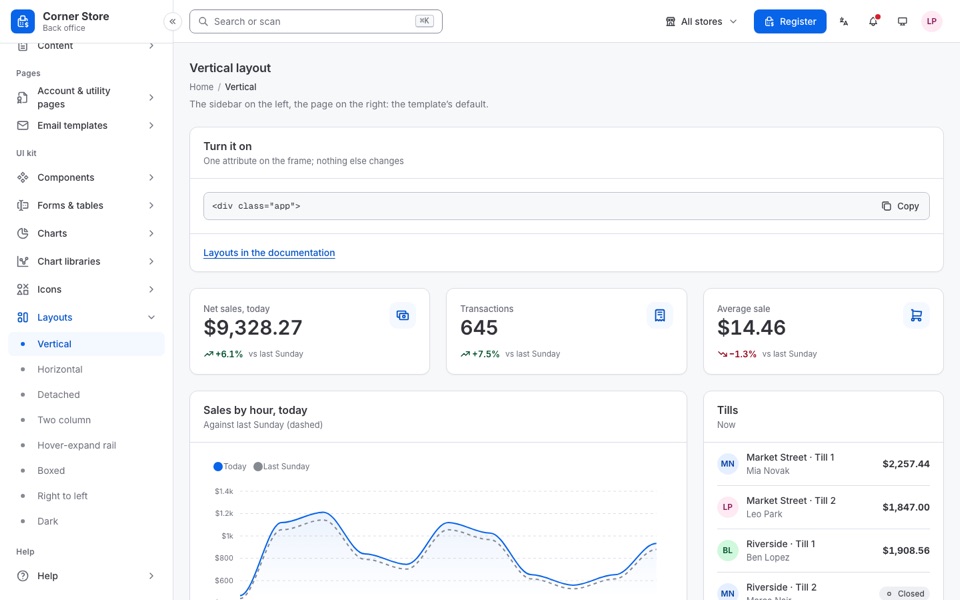 Vertical
The sidebar on the left, the page on the right: the template’s default.
Vertical
The sidebar on the left, the page on the right: the template’s default.
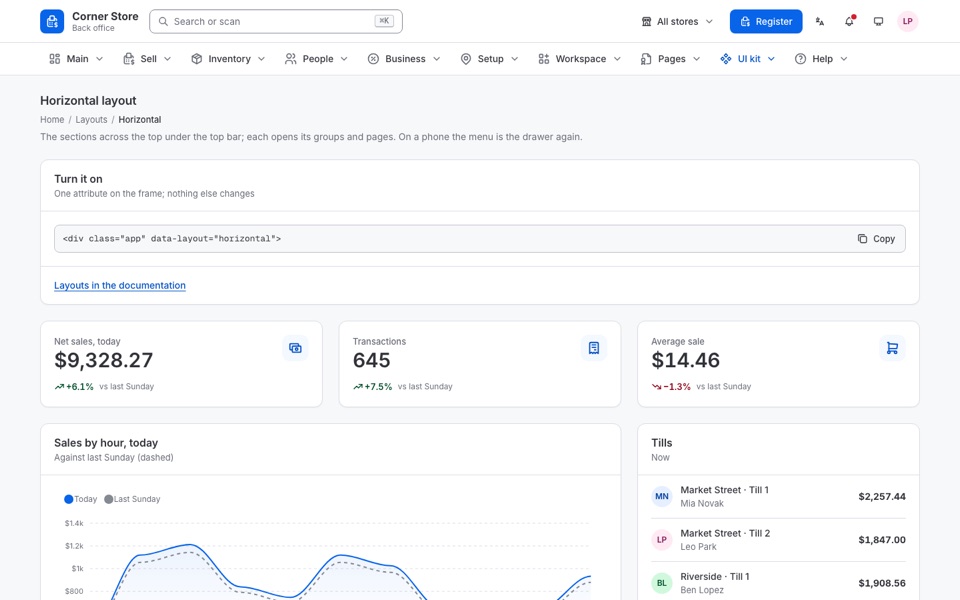 Horizontal
The sections across the top under the top bar; each opens its groups and pages.
Horizontal
The sections across the top under the top bar; each opens its groups and pages.
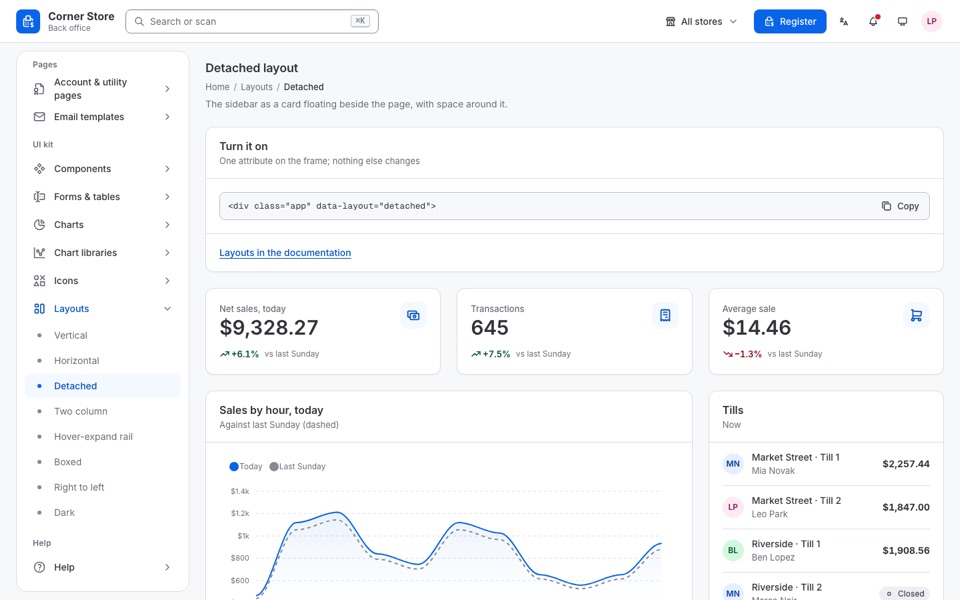 Detached The sidebar as a card floating beside the page, with space around it.
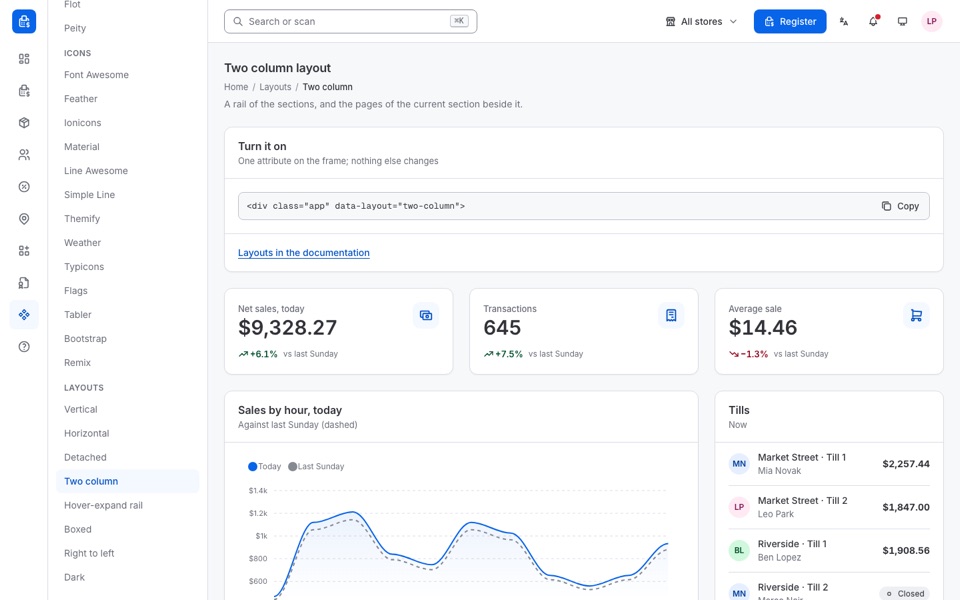 Two column
A rail of the sections, and the pages of the current section beside it.
Two column
A rail of the sections, and the pages of the current section beside it.
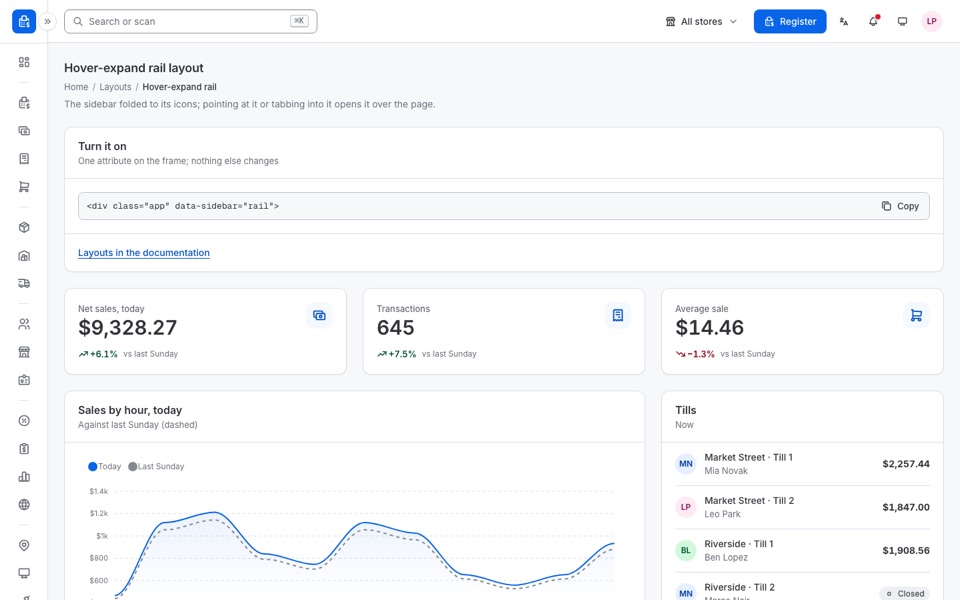 Hover-expand rail
The sidebar folded to its icons; pointing at it or tabbing into it opens it over the page.
Hover-expand rail
The sidebar folded to its icons; pointing at it or tabbing into it opens it over the page.
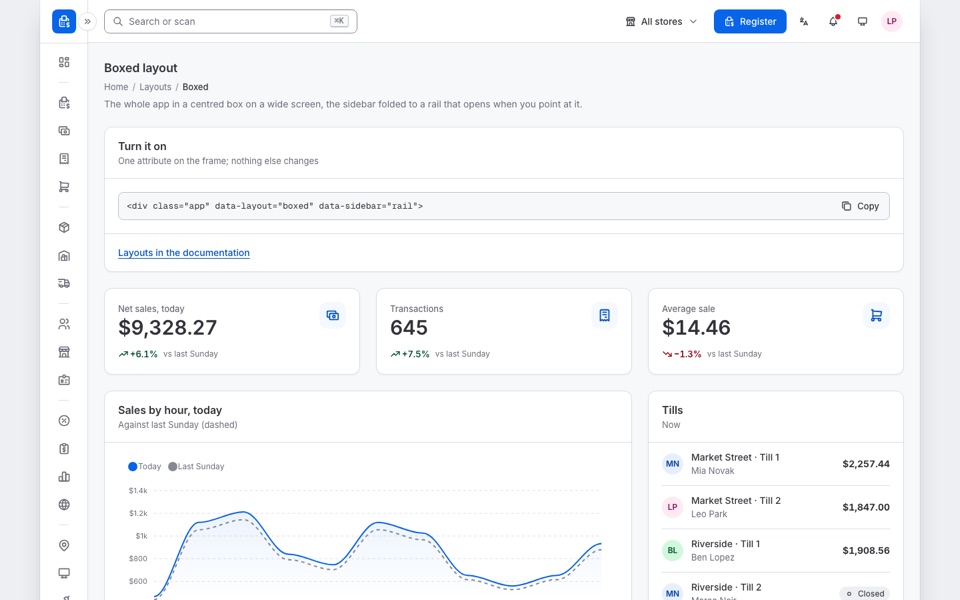 Boxed
The whole app in a centred box on a wide screen, the sidebar folded to a rail that opens when you point at it.
Boxed
The whole app in a centred box on a wide screen, the sidebar folded to a rail that opens when you point at it.
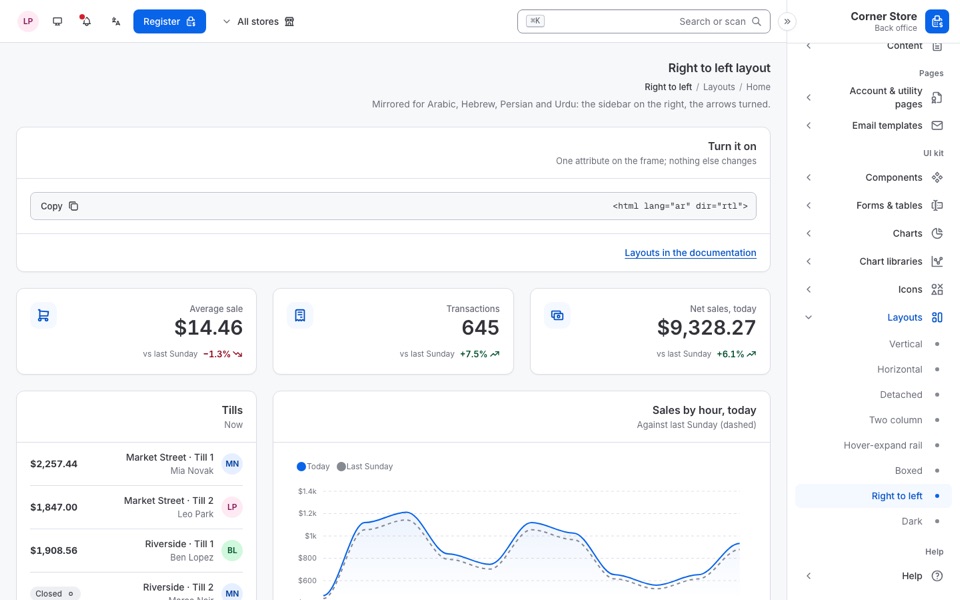 Right to left
Mirrored for Arabic, Hebrew, Persian and Urdu: the sidebar on the right, the arrows turned.
Right to left
Mirrored for Arabic, Hebrew, Persian and Urdu: the sidebar on the right, the arrows turned.
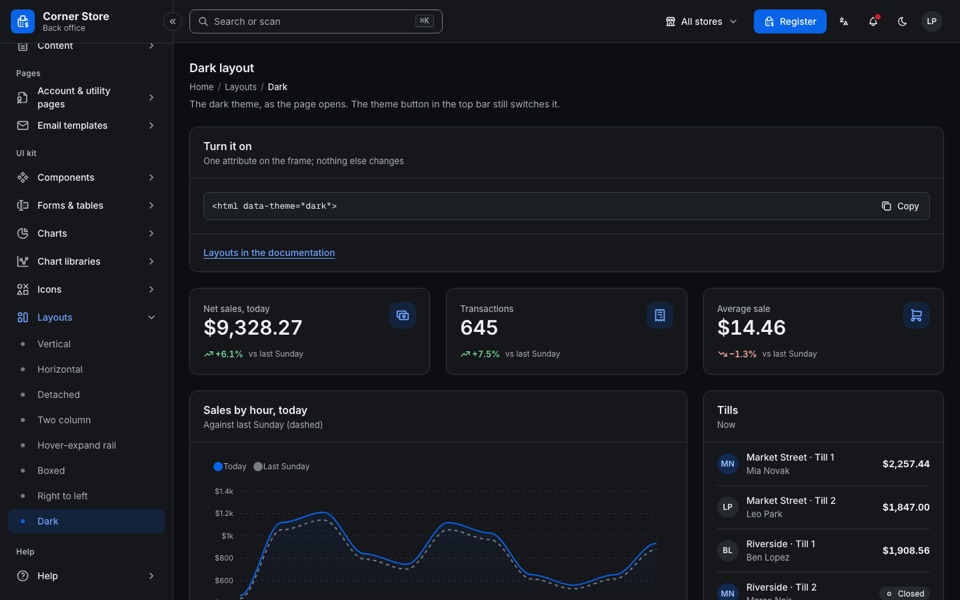 Dark The dark theme, as the page opens.
The demo's menu, section by section: 10 sections and 32 groups. Every page opens in the live preview.
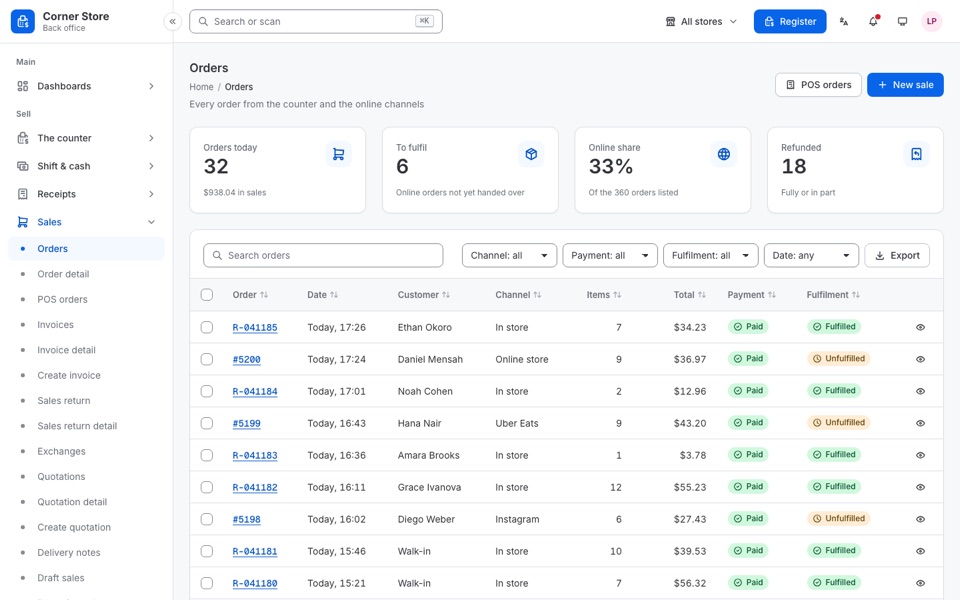 Orders
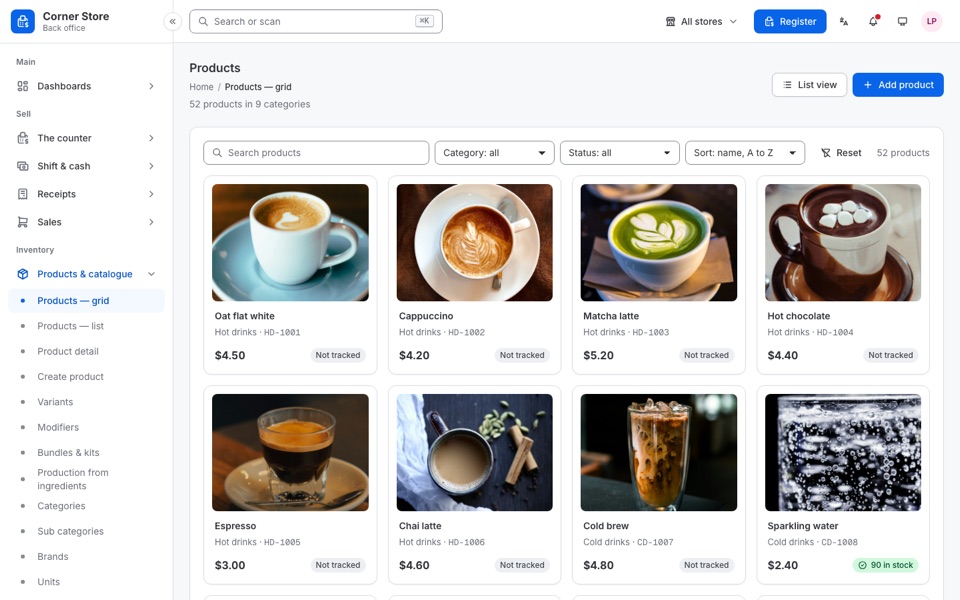 Products - grid
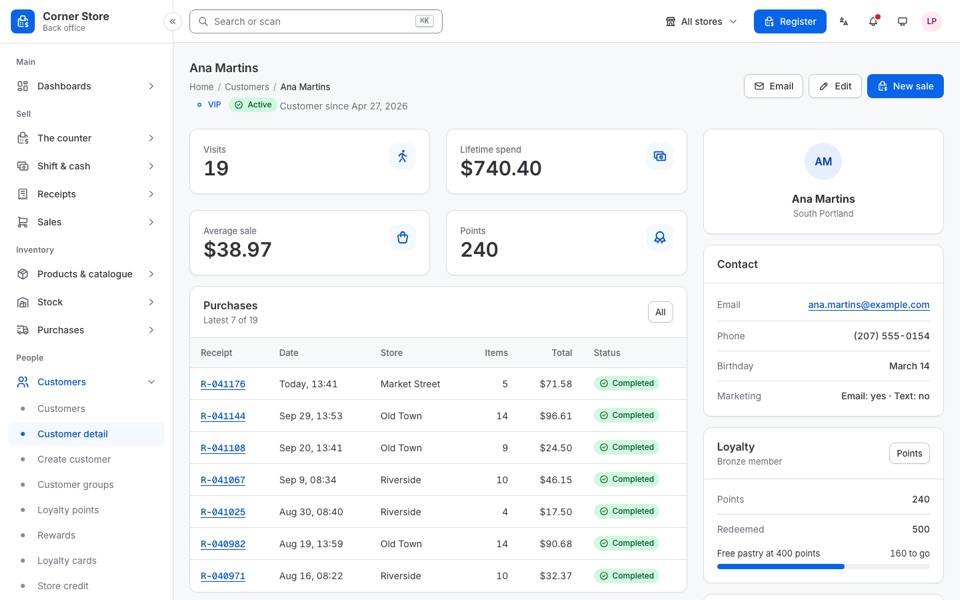 Customer detail
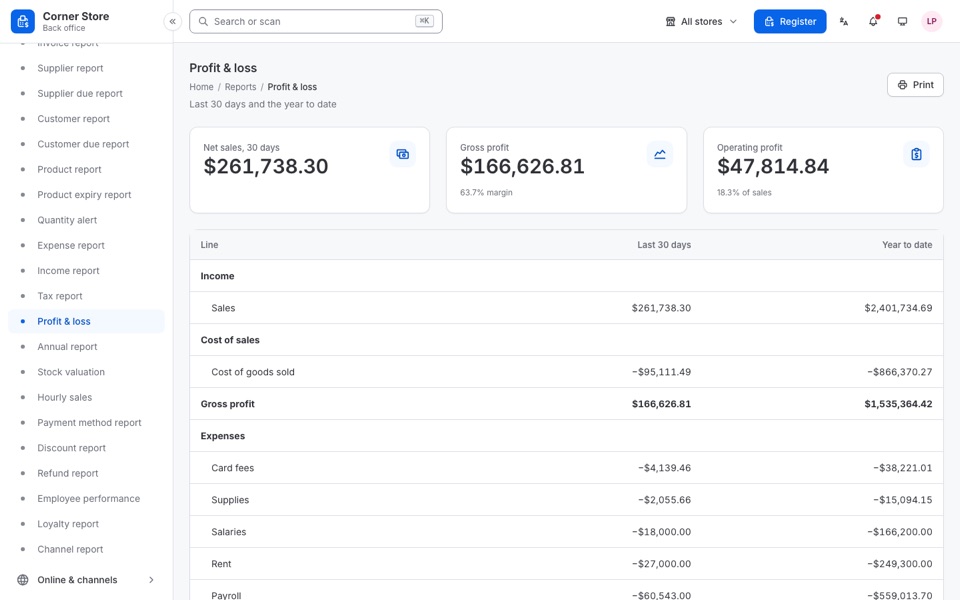 Profit & loss
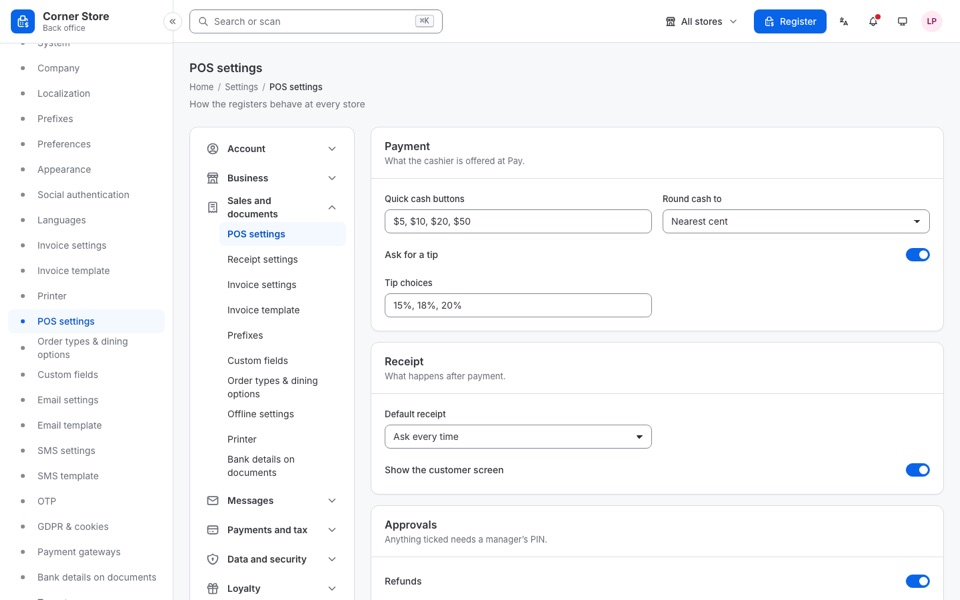 POS settings
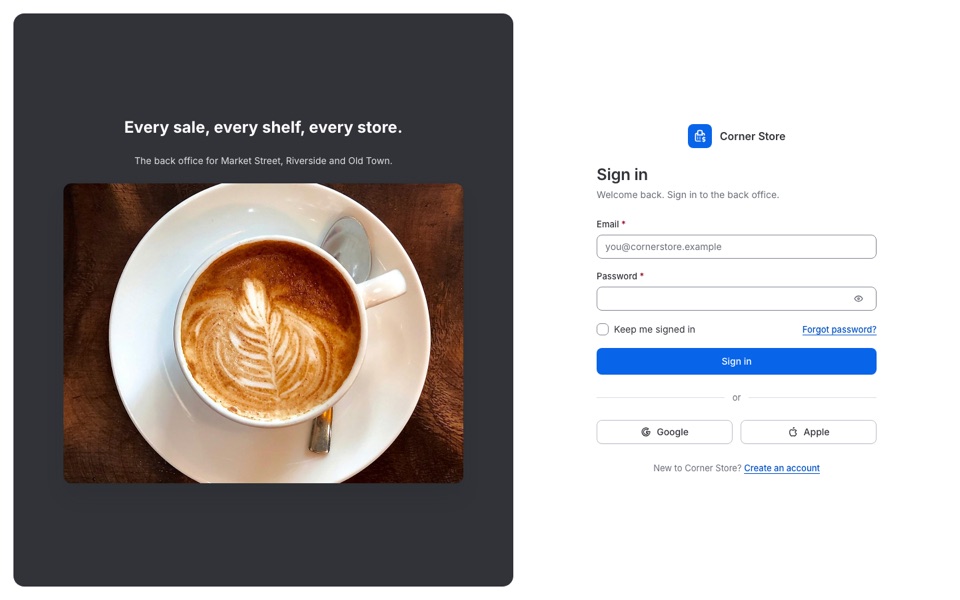 Sign in - cover
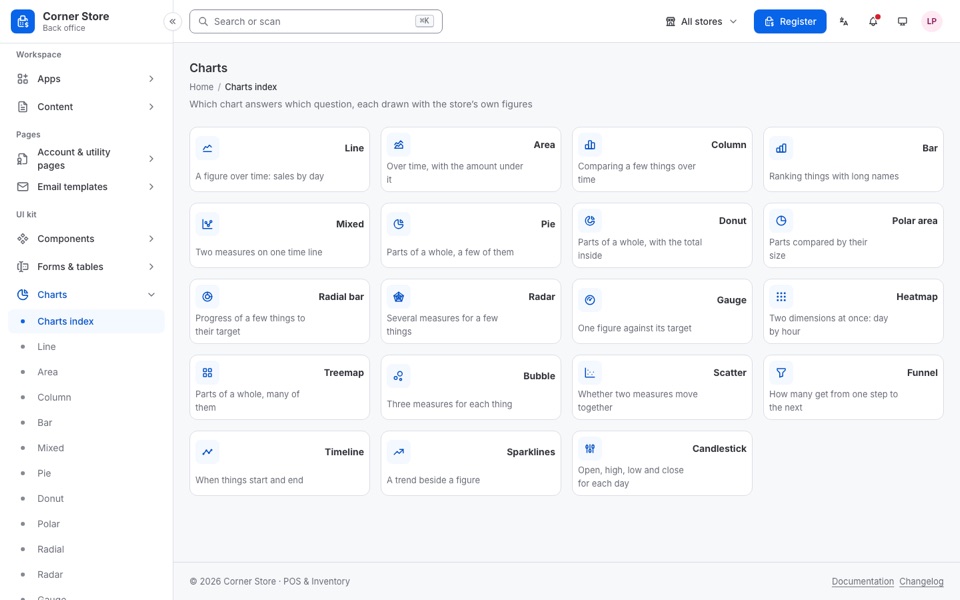 Charts index
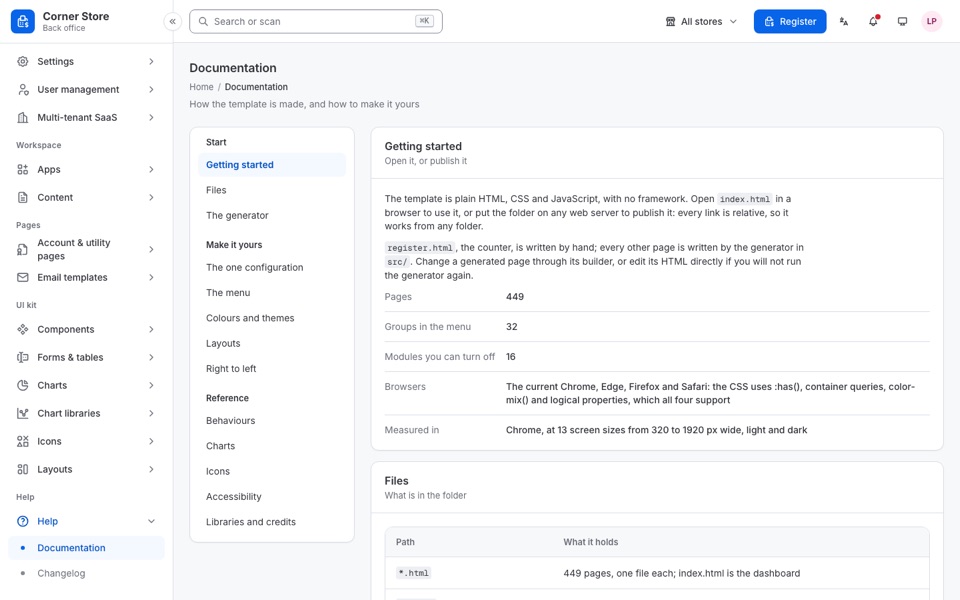 Documentation
Everything a buyer changes lives in a few files, and the documentation walks through each one.
Every page is a complete, indented HTML file: open it from the folder or put it on any web server. No framework, no packages, no build step.
Light and dark live in tokens.css. Give the blue ramp your brand's and the buttons, links, focus rings and selected states follow in both themes.
Dialogs, drawers, menus, popovers and the rest come with their keyboard support when you add an attribute: system.js wires them all.
Every page in Chrome, Edge, Firefox and Safari; in Chrome at 13 screen sizes from 320 to 1920 px wide, light and dark.
Every update is free for buyers and listed in the changelog.
Oct 4, 2026 · the first release
Anything not answered here: ask through the Support tab on the item page.
An HTML template: the front end of a point of sale and its back office. 449 pages in 32 groups - the register for every kind of counter, stock, purchasing, staff, finance, reports, an online store and email templates - all on one design system.
No. Tilldeck is a front-end template: it has no backend, database or API, takes no payments, sends no email or SMS and does not drive hardware. The printer, scanner, scale, cash drawer and card terminal pages are setup screens for you to connect to your own code.
The demo figures belong to one made-up store, so the totals on every page add up.
Retail, quick service, restaurants and bars (tables, kitchen display, bar tabs), pharmacy, grocery, fashion, service bookings and a self-checkout kiosk. Each trade is a module you can switch off.
Yes. The register has its own tablet and phone screens, and every page is responsive, from a 320 px phone to a 1920 px desktop.
Both. The theme button switches between light, dark and the device's own setting, and dir="rtl" on the html element mirrors any page for Arabic, Hebrew, Persian or Urdu.
Yes. Set a module to false in assets/js/config.js and its pages, menu groups and widgets leave the menu and the screens; nothing else needs editing.
The current Chrome, Edge, Firefox and Safari. Every page was checked in all four.
The text is in English. The language menu sets the page's language and direction, so Arabic turns the layout right to left; the words are yours to translate.
No. The 27 product photos in the demo are from Unsplash and Pexels and are for the demo only; the download has placeholders of the same size in their place.
template/ with all 449 pages, the design system, the module switch, and the 22 email templates; documentation/, a guide that opens offline; and the licence and credit for every font, icon set and library.
No. This page only introduces the live preview. Every page of the demo behind it is in the download.
Open the live preview, sell something on the register, then look round the back office. Every page of the demo is in the download.